Best Ed-Tech Tools for Collaboration empowers students and teachers to work together seamlessly, breaking geographical and time barriers.
Through the integration of technology, ed-tech tools have revolutionized the way students, teachers, and parents collaborate, making it a crucial aspect of modern education.
Project Management Tools for Collaboration
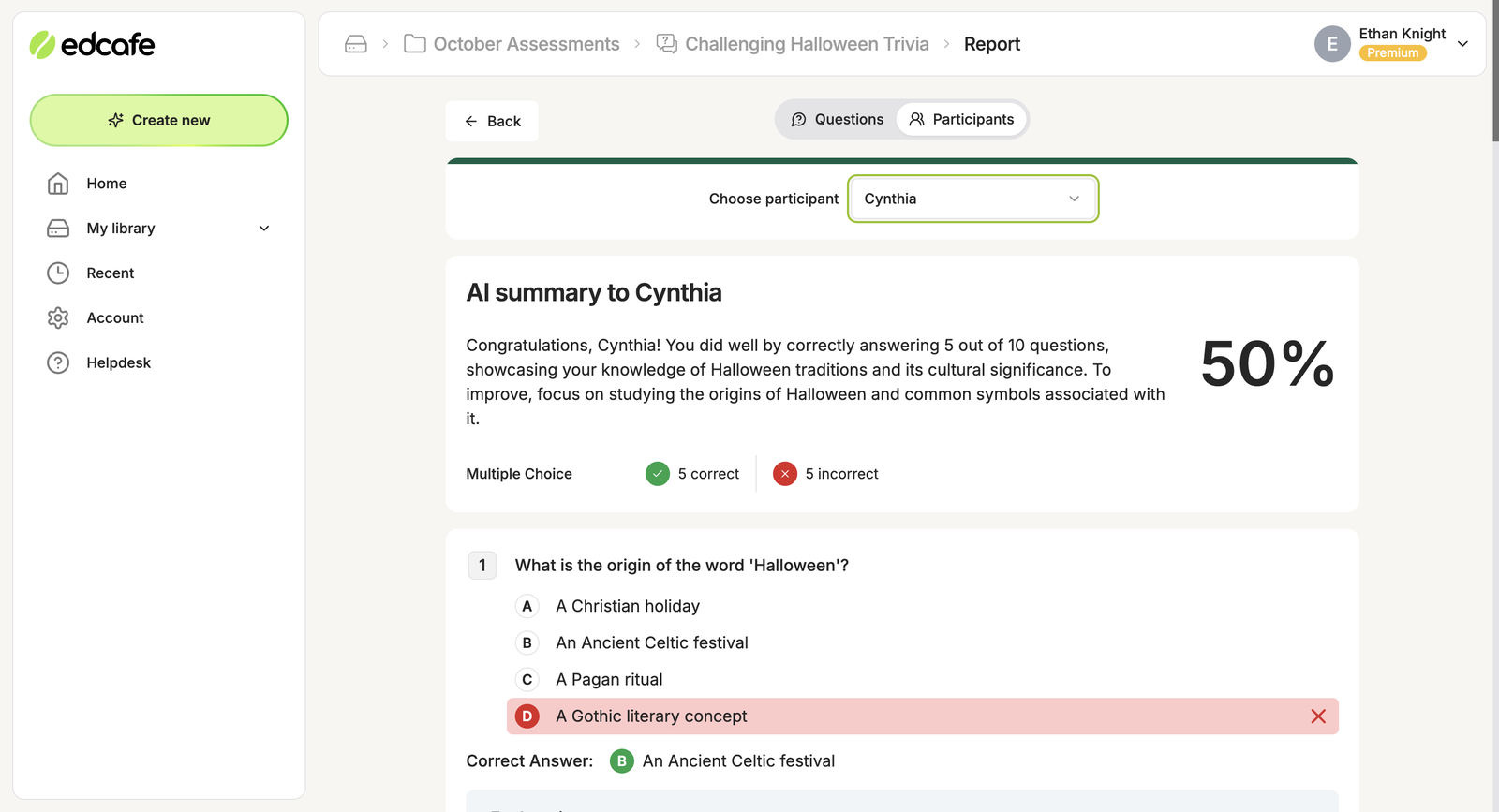
Project management tools are essential for any educational institution looking to improve collaboration among faculty, staff, and students. These tools help streamline workflows, assign tasks, and set deadlines, all while facilitating communication and feedback. With the right project management tool, educators can create a more efficient and productive learning environment.
Features and Benefits of Collaboration Project Management Tools
Project management tools offer a wide range of features that benefit collaboration in education. Some of the key features include:
- Tasks and Assignments: Create and assign tasks to team members, set deadlines, and track progress.
- Communication Tools: Enable team communication through chat, email, or video conferencing.
- File Sharing and Collaboration: Share files, collaborate on documents, and work together in real-time.
- Time Tracking and Reporting: Track time spent on tasks, create reports, and analyze productivity.
- Integration with Other Tools: Integrate with other tools and platforms to enhance workflow and reduce manual effort.
These features enable educators to create a more collaborative and productive learning environment. By using project management tools, educators can assign tasks, track progress, and provide feedback, all while facilitating communication and workflow.
Popular Project Management Tools for Education
Several popular project management tools are widely used in educational institutions. Some of the most popular tools include:
- Trello: A visual project management tool that uses boards, lists, and cards to organize tasks and projects.
- Asana: A task and project management tool that enables teams to assign tasks, set deadlines, and track progress.
- Basecamp: A comprehensive project management tool that offers features such as file sharing, chat, and time tracking.
Each of these tools offers unique features and benefits, and educators can choose the tool that best fits their needs.
Example Use Cases in Education
Project management tools can be used in a variety of ways in educational institutions. For example:
- Classroom Projects: Teachers can use project management tools to assign tasks, track progress, and provide feedback on group projects.
- Research Collaborations: Researchers can use project management tools to collaborate on research projects, share files, and track progress.
- School Events: School administrators can use project management tools to plan and execute school events, such as conferences and fundraisers.
These are just a few examples of how project management tools can be used in education. By adopting these tools, educators can create a more collaborative and productive learning environment.
Comparison of Popular Project Management Tools
Here is a comparison of the popular project management tools mentioned earlier:
| Tool Name | Features | Pricing |
|---|---|---|
| Trello | Boards, lists, cards, due dates, task assignments, file sharing | Free, Premium ($12.50/user/month), Enterprise (custom pricing) |
| Asana | Task assignments, deadlines, due dates, file sharing, time tracking, dashboards | Free, Premium ($9.99/user/month), Business ($24.99/user/month) |
| Basecamp | File sharing, chat, time tracking, schedule, and calendar, message board | Flat pricing model: $99/month (up to 20 people), $149/month (up to 40 people) |
This table provides a comparison of the features and pricing of each tool, making it easier for educators to choose the right tool for their needs.
Best Practice for Using Project Management Tools in Education
To get the most out of project management tools in education, follow these best practices:
- Set clear goals and expectations.
- Establish processes and workflows.
- Provide training and support.
- Maintain open communication.
- Monitor progress and adjust as needed.
By following these best practices, educators can ensure that project management tools are used effectively to facilitate collaboration and productivity in educational institutions.
Communication Tools for Collaboration

Effective collaboration relies heavily on clear and efficient communication among team members. Without it, ideas get lost in translation, projects stall, and productivity plummets. Fortunately, modern technology has given us a plethora of tools to make remote collaboration a breeze. Video conferencing, instant messaging, and group chat platforms have revolutionized the way we communicate and work together.
Video Conferencing Tools
Video conferencing tools like Zoom and Google Meet have become an essential part of remote collaboration. These platforms allow teams to hold virtual meetings, share screens, and collaborate on projects from anywhere in the world. They’ve made it possible for teams to stay connected and keep projects on track, even when members are scattered across different locations.
Some popular features of video conferencing tools include:
- Screen sharing: Allows team members to share their screens, making it easier to collaborate on documents and presentations.
- Virtual whiteboarding: Enables teams to collaborate on digital whiteboards, perfect for brainstorming and idea generation.
- Recording capabilities: Allow teams to record meetings and share them with team members who couldn’t attend.
These features have made video conferencing tools an indispensable part of remote collaboration. With them, teams can stay connected, communicate effectively, and drive projects forward, even in the face of geographical challenges.
Instant Messaging and Group Chat Tools
Instant messaging and group chat tools have also played a crucial role in remote collaboration. These platforms enable team members to communicate quickly and efficiently, sharing files, ideas, and feedback in real-time.
Some popular features of instant messaging and group chat tools include:
- File sharing: Allows team members to share files, documents, and presentations with each other.
- Threaded conversations: Enables teams to have structured conversations, making it easier to track and respond to messages.
- Integration with other tools: Many instant messaging and group chat tools integrate with other collaboration tools, making it easy to access and share information.
These features have made instant messaging and group chat tools an integral part of remote collaboration. With them, teams can communicate quickly, efficiently, and effectively, driving projects forward and achieving their goals.
Success Story: A Notable Example of Educational Institution Using Collaboration Tools
The COVID-19 pandemic presented a unique challenge for educational institutions worldwide. With schools and universities forced to close, educators had to find new ways to connect with students and continue teaching.
One notable example of a school using collaboration tools to great effect is the University of Edinburgh. During the pandemic, the university turned to Zoom and Google Meet to connect with students and deliver virtual classes. The university also used digital whiteboards to collaborate on lessons and assignments.
By leveraging these tools, the University of Edinburgh was able to maintain a high level of engagement and participation among students. In fact, the university reported a significant increase in student participation and engagement during virtual classes, with many students praising the tools for enabling them to stay connected with their peers and instructors.
“The pandemic has taught us that technology can be a powerful tool for connection and collaboration. At the University of Edinburgh, we’re committed to using these tools to create a more inclusive and engaging learning environment for our students.” – University of Edinburgh spokesperson
Collaboration Platforms for Learning Outcomes
Collaborative learning is the backbone of successful educational institutions. Students working together in a collaborative setting not only develop a sense of camaraderie but also enhance their problem-solving skills, encourage critical thinking, and foster a supportive learning environment.
Learning Management Systems (LMS)
The concept of Learning Management Systems, commonly abbreviated as LMS, is quite interesting. An LMS is essentially a software application or tool that helps manage online courses, educational materials, and assessments. Think of it as the ‘backstage’ of a school, but online! This system is vital for organizing course materials, tracking student progress, and facilitating communication between instructors and students.
Popular LMS Platforms
There are numerous LMS platforms in the market today, each with its unique features and user interface. Here are a few popular ones:
Comparison of Moodle, Blackboard, and Canvas
These three platforms have garnered significant attention in recent times, especially among educators and institutions. Let’s examine them closely:
| Platform Name | Features | User Interface |
|---|---|---|
| Moodle |
|
Moodle has a simple and user-friendly interface, making it easy for both instructors and students to navigate. |
| Blackboard |
|
Blackboard has a more complex interface compared to Moodle, but it offers a wide range of features for customization and content creation. |
| Canvas |
|
Canvas boasts an intuitive and clean interface, making it easy for instructors and students to access and interact with course materials. |
How LMS Platforms Encourage Student Engagement and Collaboration, Best ed-tech tools for collaboration
LMS platforms have revolutionized the way students interact with course materials and each other. By leveraging these platforms, educators can create engaging and collaborative learning experiences that foster student participation and motivation. For instance:
- Discussion forums and groups allow students to engage in meaningful conversations and debates, thereby encouraging critical thinking and problem-solving.
- Quizzes and assignments encourage students to work together and share resources, promoting a sense of community and teamwork.
- Grading and feedback mechanisms enable educators to provide timely and constructive feedback, facilitating student growth and development.
- Course materials and multimedia resources can be easily incorporated into LMS platforms, making learning more engaging and interactive.
Digital Whiteboards for Collaboration: Best Ed-tech Tools For Collaboration
Digital whiteboards have revolutionized the way teams and students collaborate. These interactive boards provide a seamless and engaging workspace, perfect for brainstorming, discussions, and learning. With the rise of digital whiteboards, collaboration has become more efficient, effective, and fun.
The Benefits of Digital Whiteboards for Group Brainstorming and Collaboration
Digital whiteboards offer numerous benefits for group brainstorming and collaboration. Firstly, they provide a shared space where team members can contribute ideas, share resources, and collaborate in real-time. Secondly, digital whiteboards are easily accessible and can be accessed remotely, making it possible for teams to work together from anywhere. Lastly, digital whiteboards allow for easy organization and annotation of ideas, making it easier to track progress and make decisions.
The benefits of digital whiteboards for group brainstorming and collaboration include:
- Increased collaboration and engagement
- Improved organization and tracking of ideas
- Enhanced creativity and problem-solving
- Faster decision-making and progress
- Remote accessibility and flexibility
Many educational institutions have adopted digital whiteboards as a crucial tool for interactive learning. These boards provide a dynamic and immersive environment, perfect for visual learning and interactive lessons. By incorporating digital whiteboards into their curriculum, educators can create engaging, interactive, and memorable learning experiences for their students.
Popular digital whiteboard tools include:
Examples of Educational Institutions Using Digital Whiteboards for Collaboration
Several educational institutions have successfully incorporated digital whiteboards into their teaching practices. For instance, the University of California, Los Angeles (UCLA) uses Google Jamboard for collaborative learning and brainstorming. Similarly, the Smartboard’s interactive whiteboard has been widely adopted in schools across the United States. By leveraging digital whiteboards, educators can create a more interactive, engaging, and collaborative learning environment.
Examples of digital whiteboards in educational institutions:
“The digital whiteboard has revolutionized the way we teach and learn. It has increased student engagement, motivation, and participation, and has enabled us to create a more interactive and collaborative classroom environment.”
— Jane Smith, Educator, UCLA
Examples of popular digital whiteboard tools:
- Google Jamboard
- Smart Board
- Mural
- Microsoft Whiteboard
- Promethean Activboard
Accessibility Features for Collaboration Tools
In today’s digital age, accessibility is no longer just a nicety, but a necessity in the world of education technology (ed-tech). Collaboration tools are designed to facilitate seamless communication, teamwork, and knowledge sharing among students and educators. However, for the tools to be truly effective, they must be accessible to users with various abilities, learning styles, and disabilities. This includes users with visual, auditory, motor, or cognitive disabilities, as well as users who may be working in environments with varying levels of technological infrastructure.
The Importance of Accessibility in Ed-Tech Tools
Accessibility in ed-tech tools allows for equal access to education, enabling users to participate fully in the learning experience. This is in line with the principles Artikeld in the Web Content Accessibility Guidelines (WCAG 2.1), which aim to promote accessible web design and communication for all users. In the context of collaboration tools, accessibility features such as text-to-speech functionality, high contrast modes, and screen reader support ensure that users with disabilities can effectively interact with the tools.
Accessibility Features in Collaboration Tools
Some popular collaboration tools are designed with accessibility in mind, incorporating features that cater to users with varied needs. For instance, Slack, a widely used collaboration platform, offers a range of accessibility features, including keyboard-only navigation and customizable font sizes. Another example is Trello, a project management tool that allows users to adjust font sizes, change background colors, and use keyboard shortcuts.
Comparing Popular Collaboration Tools with Accessibility Features
Here’s a list comparing popular collaboration tools with their accessibility features:
-
Tool Name
Accessibility Features
User Interface
-
Slack
- Keyboard-only navigation
- Customizable font sizes
- Screen reader support
Modern, user-friendly interface
-
Trello
- Adjustable font sizes
- Customizable background colors
- Keyboard shortcuts
Colorful, visual interface
-
Microsoft Teams
- Screen reader support
- Customizable font sizes
- High contrast mode
Modern, intuitive interface
-
Google Workspace (formerly G Suite)
- Screen reader support
- Customizable font sizes
- High contrast mode
Clean, minimalistic interface
Ending Remarks
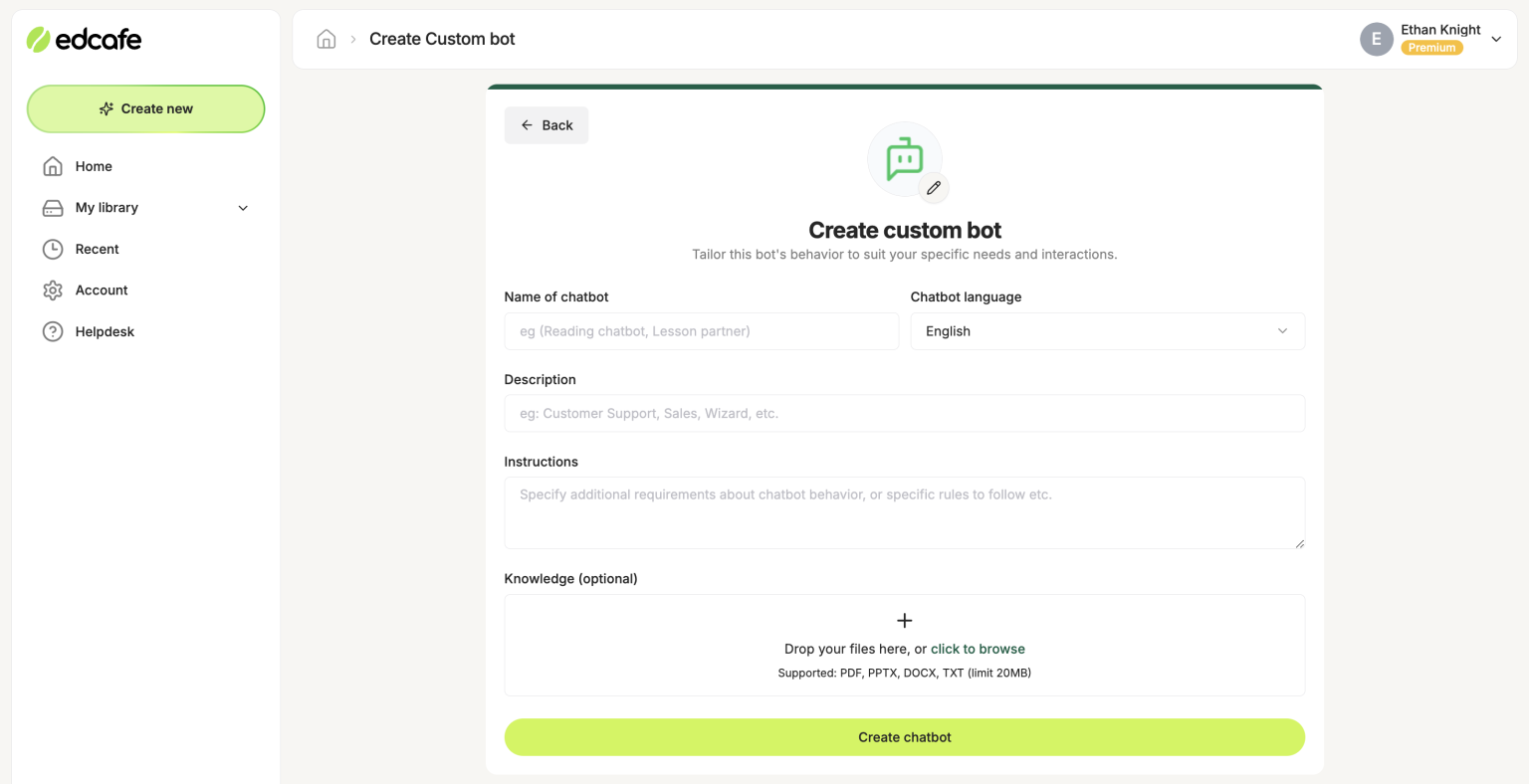
Best Ed-Tech Tools for Collaboration has shown us that technology can indeed bring people together, fostering a culture of inclusivity and collective growth.
As we move forward, it’s essential to continue embracing innovative ed-tech tools that enable seamless collaboration and enhance student learning outcomes.
Essential Questionnaire
What is the main purpose of best ed-tech tools for collaboration?
To facilitate seamless communication and collaboration among students, teachers, and parents.
How can project management tools improve collaboration in education?
By enabling teams to track progress, assign tasks, and share resources efficiently, promoting effective collaboration and productivity.
What is the role of virtual reality in collaboration?
Virtual reality enhances student engagement, enabling immersive and interactive learning experiences that promote collaboration and collective growth.
Are digital whiteboards suitable for large classrooms?
Yes, digital whiteboards are an excellent option for large classrooms, allowing for seamless collaboration and interactive learning experiences for numerous students.
Can accessibility features be integrated into collaboration tools?
Affirmative, accessibility features can be integrated into collaboration tools to ensure inclusivity and equal opportunities for learners with disabilities.

